


Artificial Compute
Meet the AI Workforce
AI workers that plan, research and draft on a schedule — and queue every output for your sign-off.
Works with the stack you already run
 Devin
Devin Hermes
 OpenClawOpenWork
The platform
Your whole operation, one workspace.
Projects, tasks, chat, docs and the AI workforce that runs them — in a single place, with humans and clients alongside the agents.
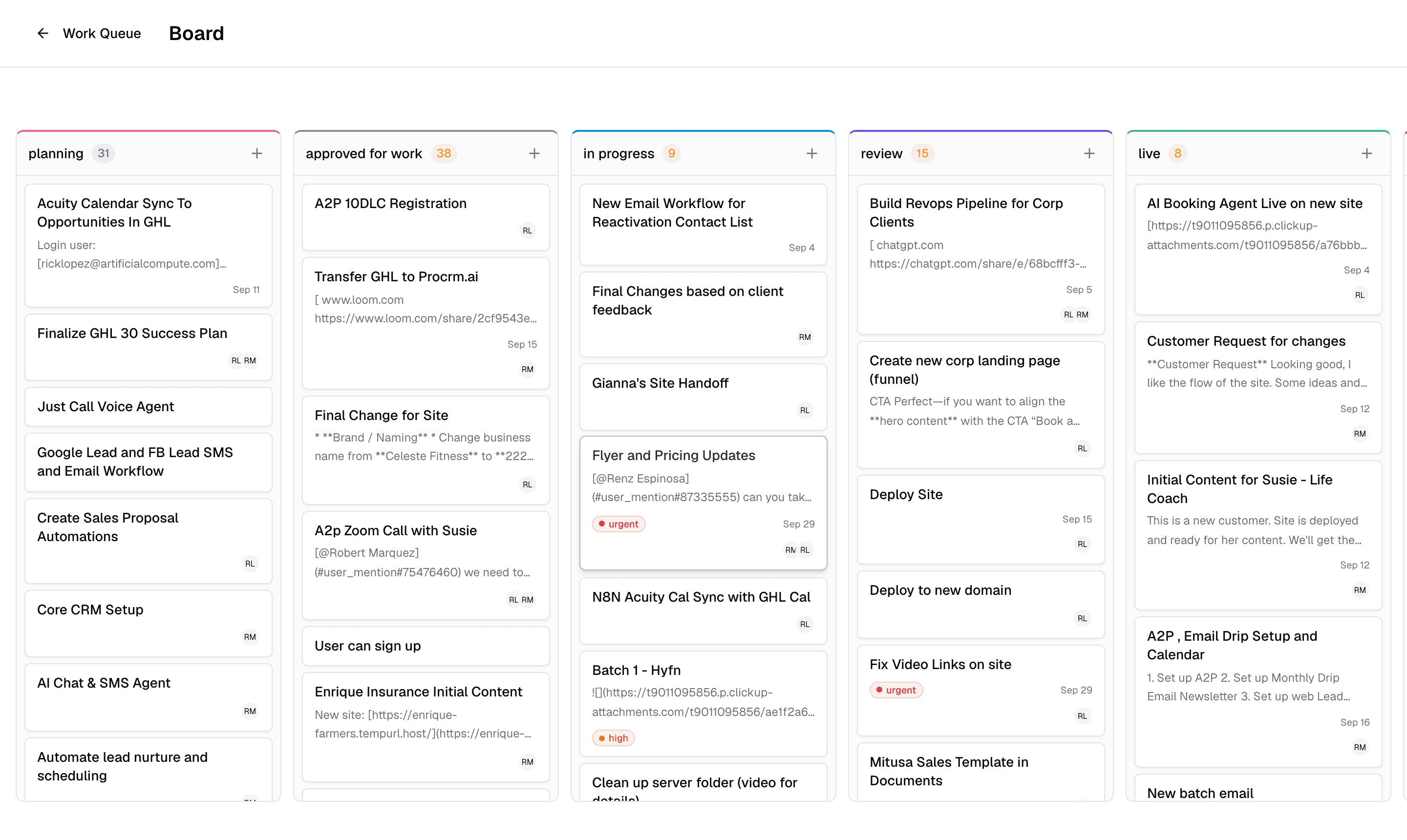
Workforce
AI workers on a schedule. Humans on sign-off.
Deploy AI workers for jobs like inbox triage. They run on the schedule you set and queue every output for review — nothing ships until a person approves it.
- Workers run on schedules you define, not on their own
- Every output lands in a sign-off queue
- Approve, edit or reject — you stay in control
- Inbox triage — 6 threads sortedAwaiting sign-off
- Client reply draftedAwaiting sign-off
- Weekly report compiledApproved
Compute
Watch AI do real work on a live desktop.
Compute gives every session a live OpenWork desktop in a secure sandbox. Watch the agent work, take the controls yourself, and run it on the model providers you choose.
- Live desktops you can watch and drive in the browser
- Secure sandboxes, isolated per session
- Your choice of model providers behind every run
$ open spreadsheet — q3-pipeline.csv
$ reconcile 214 rows against CRM
✓ 12 mismatches found, fixes drafted
$ save report → Docs Drive
waiting for sign-off▌
Conversations
One chat for your team, your clients and your AI.
DMs, group chats and discussions attached to docs, projects and tasks. Mention @Assistant anywhere and the work starts moving in the same thread.
- DMs, groups and per-item discussions in one place
- Clients join the conversation without joining your tools
- @Assistant answers, plans and acts inline
Maya · client
Can we see the copy for the pricing page this week?
Rick
@Assistant draft it from the brief and queue it for my review.
Assistant
Draft ready in Docs Drive. It's in your sign-off queue.
Docs Drive
Where the work products land.
Documents and files with rich viewers for CSV, video, HTML and PDF. Agents sync their deliverables straight into the drive, and share links stay public or private — your call.
- Rich viewers: CSV, video, HTML, PDF and more
- Public or private share links per document
- Agents file their own work products automatically
- CSV
q3-pipeline.csv
Private
- Video
demo-walkthrough.mp4
Public link
- HTML
pricing-page.html
Private
- PDF
client-proposal.pdf
Public link
Skills
Author an agent skill once and it deploys to every compute session. Export skills as Claude, Codex or skills.sh packages and take them anywhere.
Integrations & Factories
Connect Gmail, Slack, GitHub and ClickUp. Bring your own provider keys — Devin included — managed at the organization level.
Schedule
A human-friendly scheduler for the AI workforce. Set when workers run, see what they produced, and sign off — all in one view.
How it works
From deployed to shipped in four steps.
Deploy workers
Pick a job — inbox triage, research, drafting — set a schedule, and put a worker on it.
Watch them work
Follow along on live Compute desktops or check the queue when it suits you.
Sign off
Every output waits for a human. Approve it, edit it, or send it back.
Ship
Approved work goes out: replies sent, docs filed in the drive, tasks closed.
Humans stay in control
Sign-off is built into the platform, not bolted on.
Sandboxed by default
Agents work on isolated desktops, session by session.
Your model providers
Bring your own keys and pick the models that run the work.
Nothing hidden
Watch any session live and review every output before it ships.
Put the AI workforce to work.
Connect Gmail, Slack, GitHub or ClickUp, deploy your first worker, and review its first output today. Sign-off stays with you.